
Hero11 Referral Rewards: How Refer & Earn Works
Explore the rewards for inviting friends, see each milestone, and find your referral link in Hero11. Hero11 Store sends you to the in-app invite screen for the reward rows, instead of freezing a figure on this page.
Screenshot reference: supplied app screens archived 20 October 2026. Current account terms may differ.
Hero11 Store
Read the Hero11 invite screen before you repeat a reward figure
Referral help on Hero11 Store points you to the invite screen inside the installed app. That screen is where the current reward rows are written. A number remembered from a chat, or from another Hero11 website, can be a different offer. Share the invite from the app, and ask the other person to register in Hero11 with their own contact. Your account does not become theirs. If a row does not appear, open the invite screen again and then Customer Center. Do not type their password.
- In-app screen The invite page, not this article, lists the current rows.
- Their account The invited person registers with their own mobile or email.
- Missing row Refresh the invite screen before you assume it failed.
Read it in this order
- 1 Open Refer inside Hero11 Use the share control the app provides.
- 2 Stop at their login You do not complete OTP for someone else.
- 3 Check the row later The label on that screen is the one to quote to support.
Friend signs up
Next milestone
Mega Contests
Whatever the offer inside your account says is what rewards and eligibility follow.
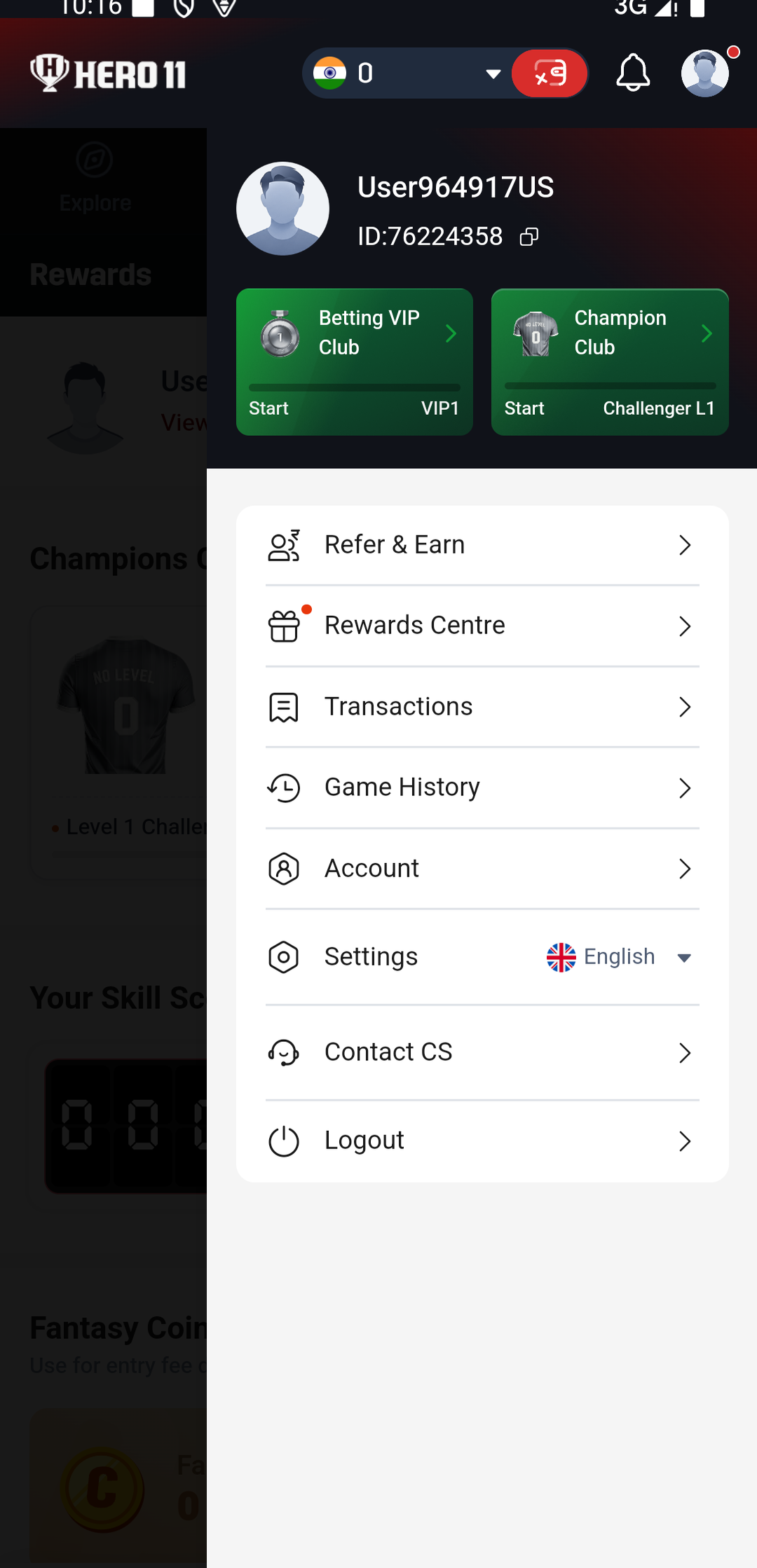
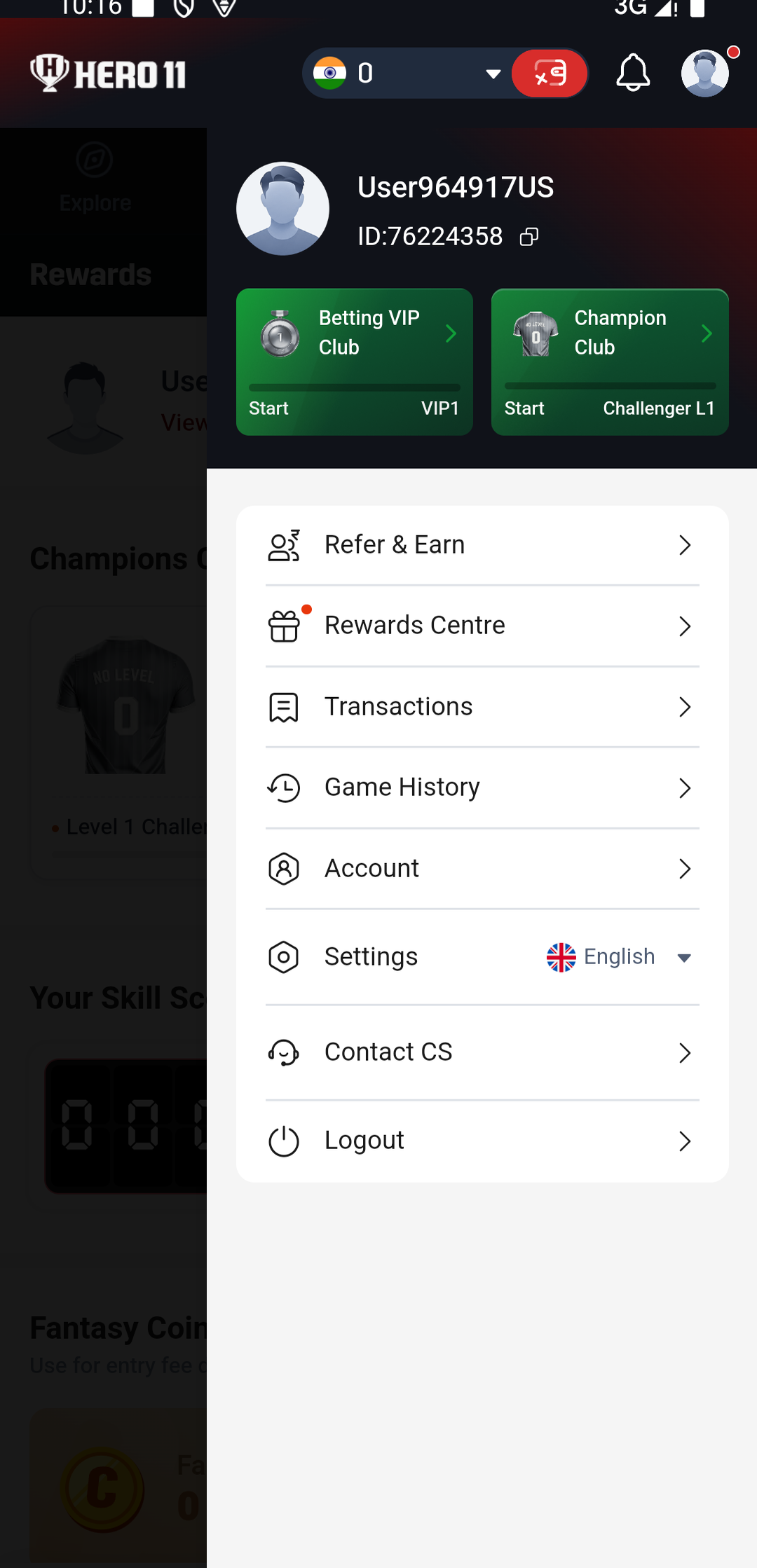
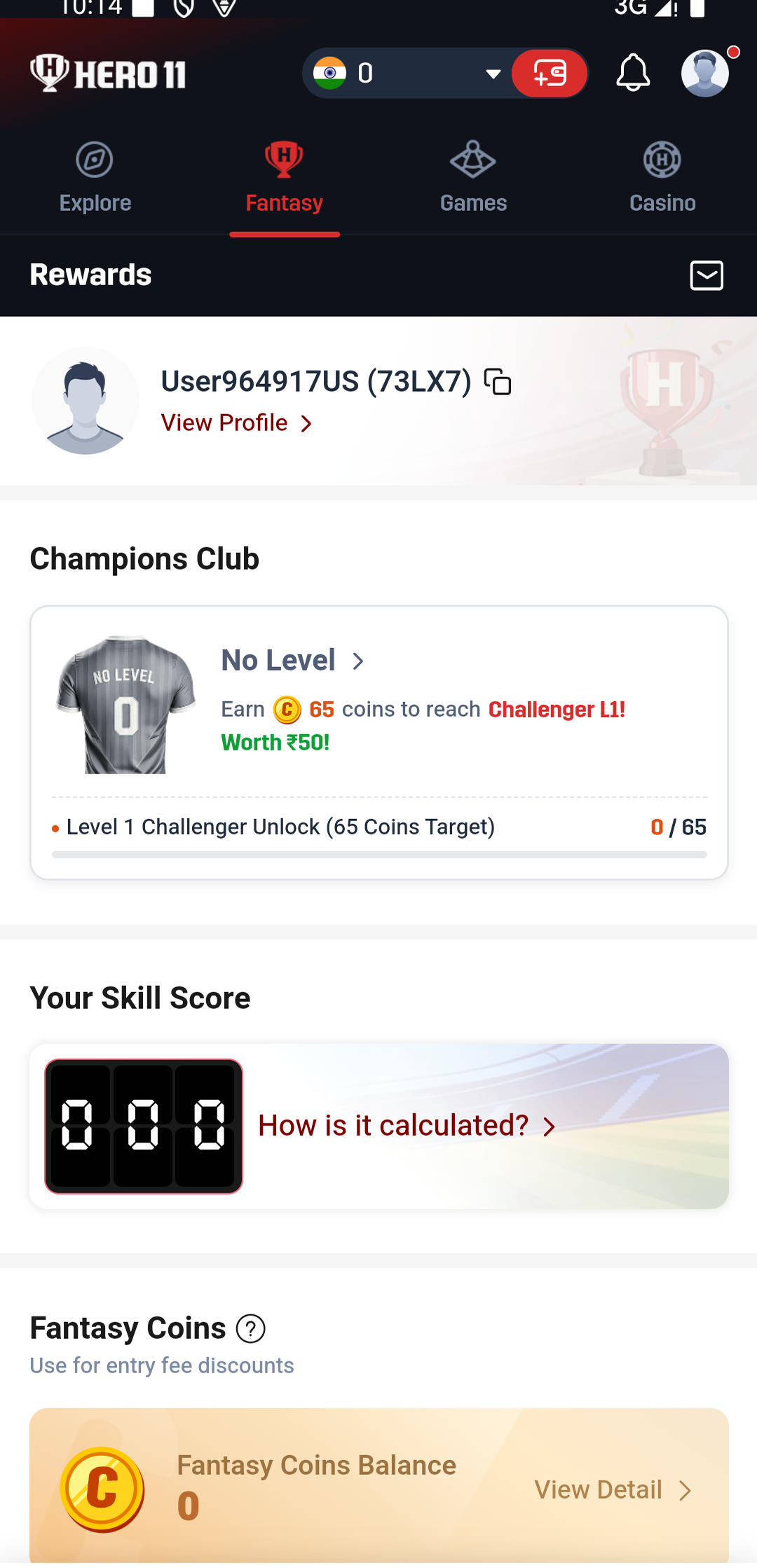
Inside Refer & Earn
Explore by swiping across. Enlarge any screen by tapping it.
On this page
How the referral rewards work
The inviter receives 30 Bonus and ₹80 Cash at separate milestones.
| Reward | How to qualify |
|---|---|
| 30 Bonus | Your invited friend signs up. |
| ₹80 Cash | Your friend makes any deposit and plays their first Mega Contest; or their effective turnover reaches ₹1,000. |
Rewards for your friends
Friends you invited are able to receive Mega Contest entries and 100% discount coupons until they win a Mega Contest. Review, inside the app, which contests are eligible, what the entry price is, and when the coupon expires.

Before you take part
Use genuine invitations and complete each reward milestone. Users who abuse the activity may be banned. Hero11 reserves the final interpretation of the activity rules.
Check Bonus usage and cash withdrawal terms in your account. Participate only if you are 18 or older and eligible in your location. See responsible use guidance.
Install Hero11 and invite a friend
Get the Android app, sign in, then open Refer & Earn to find your invitation.
- Install Hero11 and sign in. Follow the download and installation guide, or open your existing app.
- Open Refer & Earn. Look at the offer attached to your account, and then select Refer Now.
- Share your own referral link or code. Send it to a friend who wants to join Hero11.
- Track your rewards. Go to Affiliate → My Rewards to check referral progress.
Pass on your invitation link or your code. Leave your password and your OTP unseen by others.
Where to check your rewards
Open Affiliate → My Rewards for referral statistics. The Refer & Earn page shows separate Bonus and Cash Rewards balances.

Should a reward be missing, store the milestone status and the date, then contact Hero11’s in-app support.
Common questions
Do I receive ₹110 just for downloading Hero11?
No. These are invitation rewards: 30 Bonus after a friend signs up, and ₹80 Cash after further qualifying activity.
Can the 30 Bonus be withdrawn as cash?
Balances for Bonus and for Cash stay separate from each other. Inside your account, review how Bonus may be used and what the withdrawal terms say.
Where do I look to find my referral code and my rewards?
Open Refer & Earn for your invitation link or code. Go to Affiliate → My Rewards for referral statistics.
What should I do when a different offer is what my app shows?
Stay with the reward amounts, the eligibility, and the conditions your account itself displays.
Ready to explore Refer & Earn?
Download Hero11 for Android, or open your installed app and sign in.
Understand the reward labels
Read the Bonus, Cash and withdrawal explanation before any balance is handled as money that has already arrived. Where access to a new account is needed, use the registration guide.
Editorial update: · Hero11